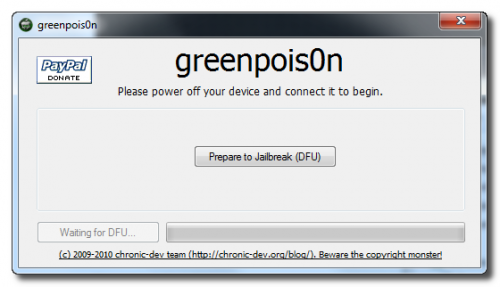
Compatible devices & notes:
- iPhone 2G — No Jailbreak Needed
- iPhone 3G — No Jailbreak Needed
- iPhone 3GS (old bootrom) — Requires you to be already jailbroken. (If you are the old bootrom on Spirit or JailbreakMe use Spirit2Pwn on http://repo.woowiz.net repo)
- iPhone 3GS (new bootrom) — Requires you to be on 3.1.2
- iPhone 4 — Wait for SHAtter exploit, and GreenPois0n jailbreak
- iPod Touch 1G — No Jailbreak Needed
- iPod Touch 2G (MB) — No Jailbreak Needed
- iPod Touch 2G (MC) — Requires you to be on 3.1.2
- iPod Touch 3G — Requires you to be on 3.1.2
- iPod Touch 4 — GreenPois0n jailbreak
- iPad — GreenPois0n jailbreak
So, if you are compatible, go ahead and follow our step by step guide to jailbreak your device using Sn0wbreeze 2.0 (
Note: we used iPhone 3GS new bootrom in this guide)
Step 1: Download and install the latest version of iTunes.
Step 2: Now start iTunes and sync your iPhone with your PC so that it backs-up all your important data including settings, apps, music, contacts and photos.
Step 3: Download Sn0wbreeze 2.0.2 and the original iOS 4.1 firmware file (download links at the end of the page). Move all these to your desktop.
Step 4: Start Sn0wbreeze ( please note that when used Win Vista or Windows7 , you need to start your application in Administrator mode , by clicking the right mouse button on the icon and selecting "Run as administrator" ) and select “Expert Mode” for easy process, then click the blue arrow to continue.